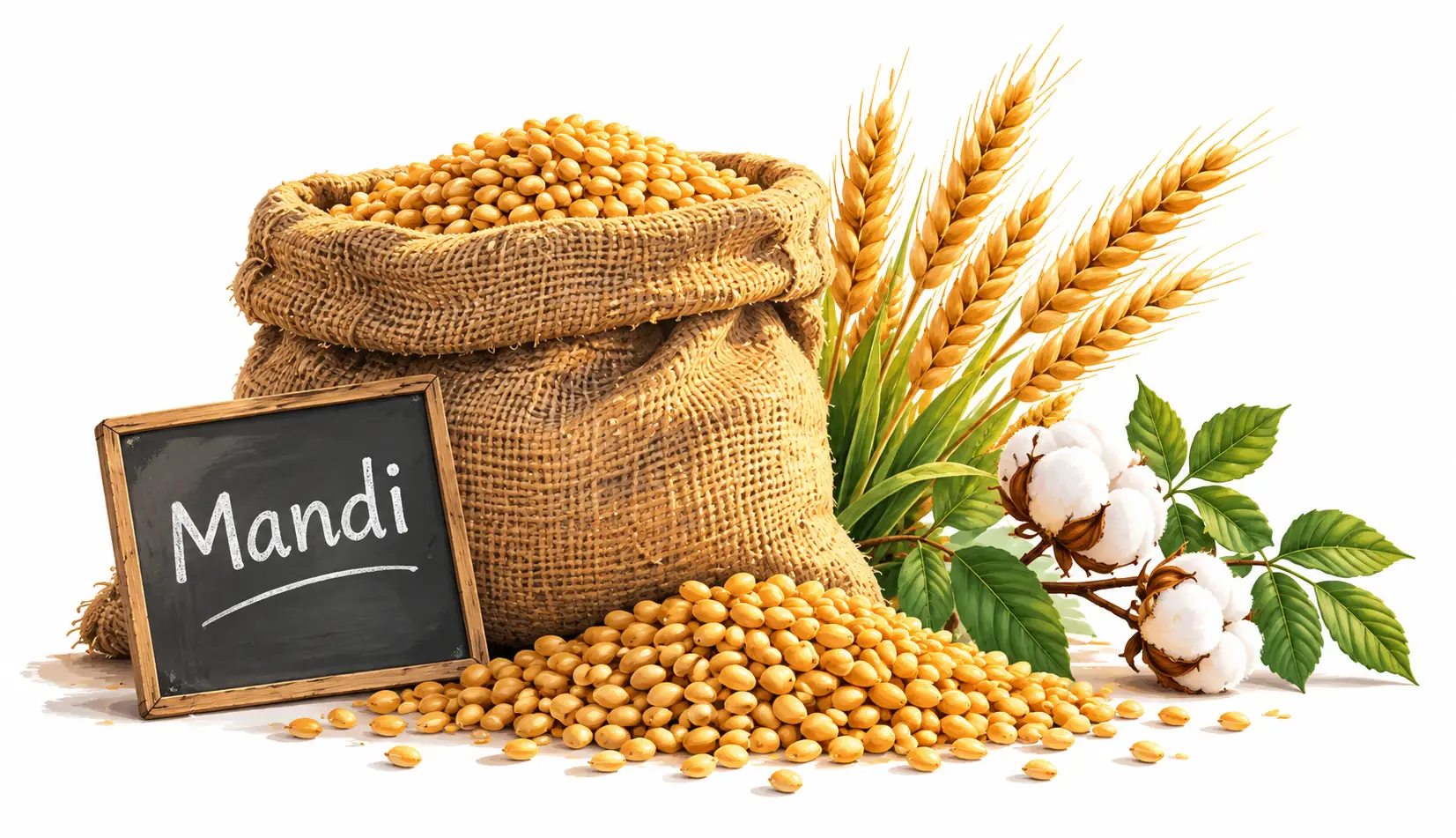
Today's Mandi Rates
Check mandi and APMC prices before you sell. Compare minimum, typical and maximum prices for your crops.
See mandi ratesCompare mandi prices, record farm income and expenses, track worker advances and check crop photos — in one app.

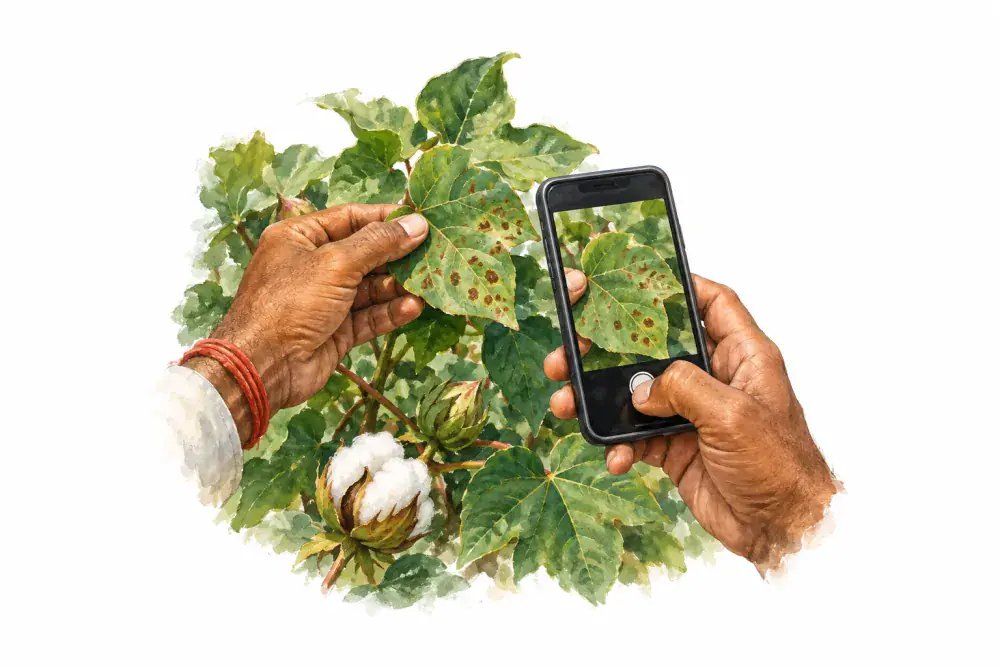
Take or choose a clear photo in Krushi Saarthi to check for possible crop diseases and get guidance on what to do next. Available in Gujarati, Hindi and English.
How photo checks workThree everyday tools to help you plan, record and stay organised.
Check mandi and APMC prices before you sell. Compare minimum, typical and maximum prices for your crops.
See mandi rates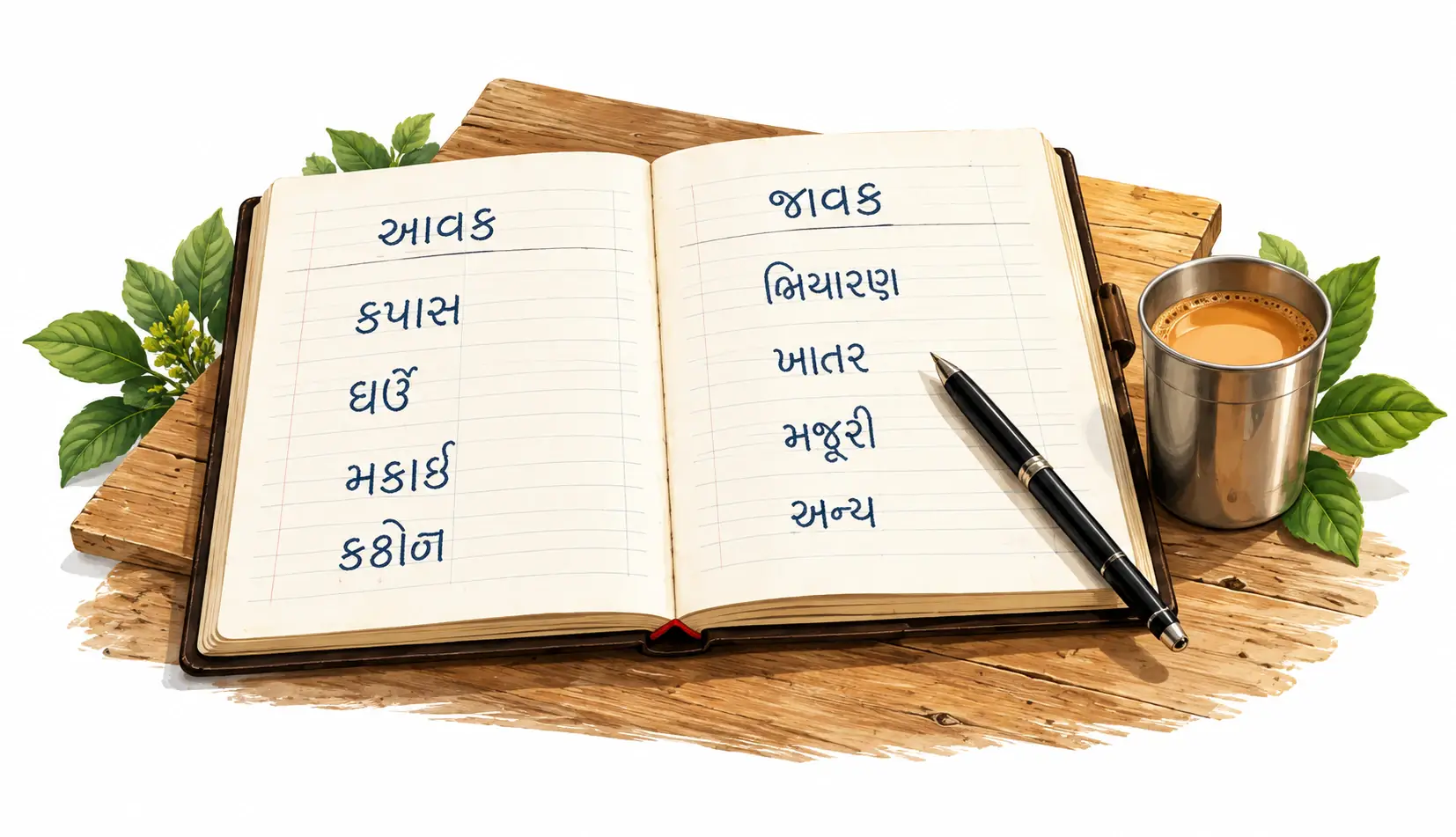
Keep crop sales, seed purchases and daily farm expenses together in one clear khata.
Get the Android app
Record worker advances and repayments, and see what is still pending for each person.
Get the Android appA few small steps to make everyday farm work easier.
Tap the microphone and say the crop name in your language. Spend less time typing when checking mandi prices.
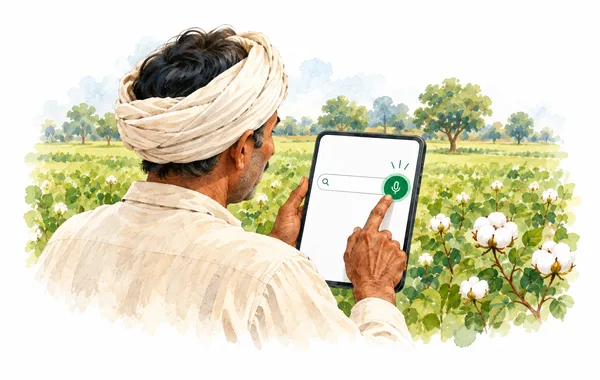
Use the mic beside the crop search box.
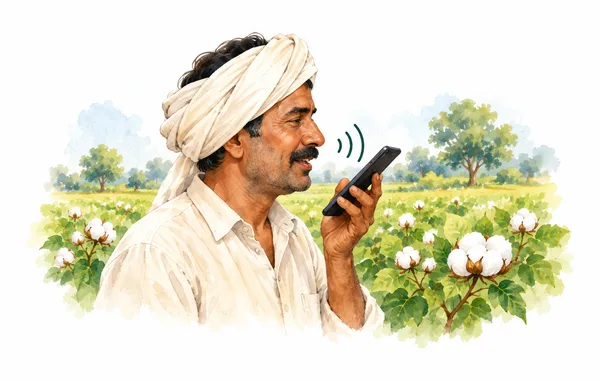
Say “cotton” in the language selected in your app.
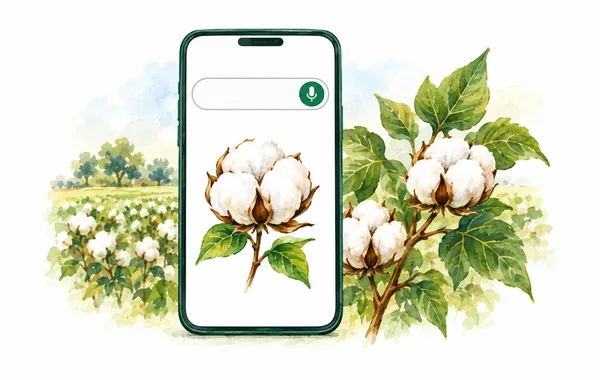
Review or edit the recognised name, then find your crop.
Checking the price of cotton or wheat? Tap the microphone beside the crop search box and say the crop’s name. Let the app put your words into the search, so you can get to the mandi prices with less typing.
Use the language you are comfortable with — Gujarati, Hindi or English, as selected in the app. You can also speak a worker’s name when adding them, or dictate a note such as “seed purchase” where a microphone is shown. Check the words and make any changes before saving.
Allow microphone access when asked. Voice recognition depends on your device’s speech service and may need internet. Typing is always available.
Farm khata, seed expenses and worker upad — keep your own backup in Google Drive, ready to restore through Krushi Saarthi.
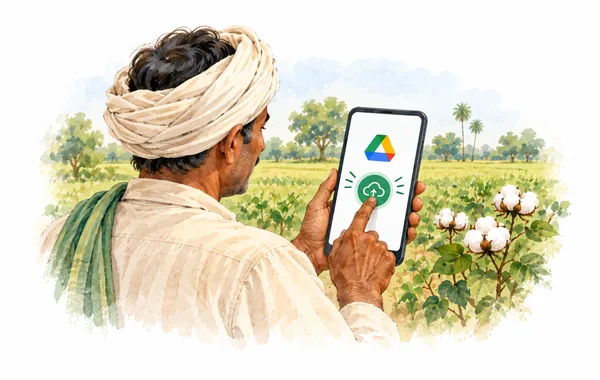
Open Profile → Backup & Downloads and choose your Google account.
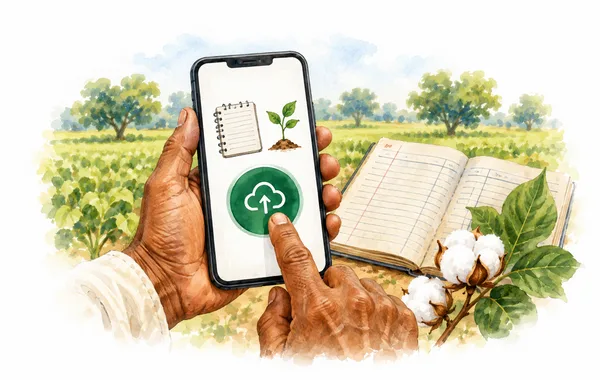
Save your records, then check the last successful backup time.
Use the same app and Google accounts. Preview before replacing your current records.
Crop sales, seed expenses and worker upad — keep a personal backup of these important records in your own Google Drive. Connect your Google account and tap “Backup Now”, so you have a saved copy to restore through Krushi Saarthi when you need it.
See when your last backup succeeded and choose when to make a fresh copy. While connected, automatic backups can also update your copy after record changes. To restore, use the same Krushi Saarthi account and the Google account holding your backup. Review the preview before confirming: restoring replaces your current farm records.
Google Drive backup is a Premium feature. Your backup stays in the app’s private area in your Drive. Disconnecting leaves the saved backup in place.
How your backup data is usedEstimate sale proceeds from quantity and price, after commission, loading and other charges.
Current conditions and 3-day forecast for your farm location, on the home screen.
Get notified when new market-rate data is available. Open the app to check prices for your crops.
Choose Gujarati, Hindi or English for app menus and guidance. Some market names and source data may appear in their original language.
Explore market prices before creating an account. Sign in to keep your farm records and use Crop Health. An internet connection is required.