
Spot a crop problem? Start with a photo.
Take or choose a clear photo in Krushi Saarthi to check for possible crop diseases and get guidance on what to do next. Available in Gujarati, Hindi and English.

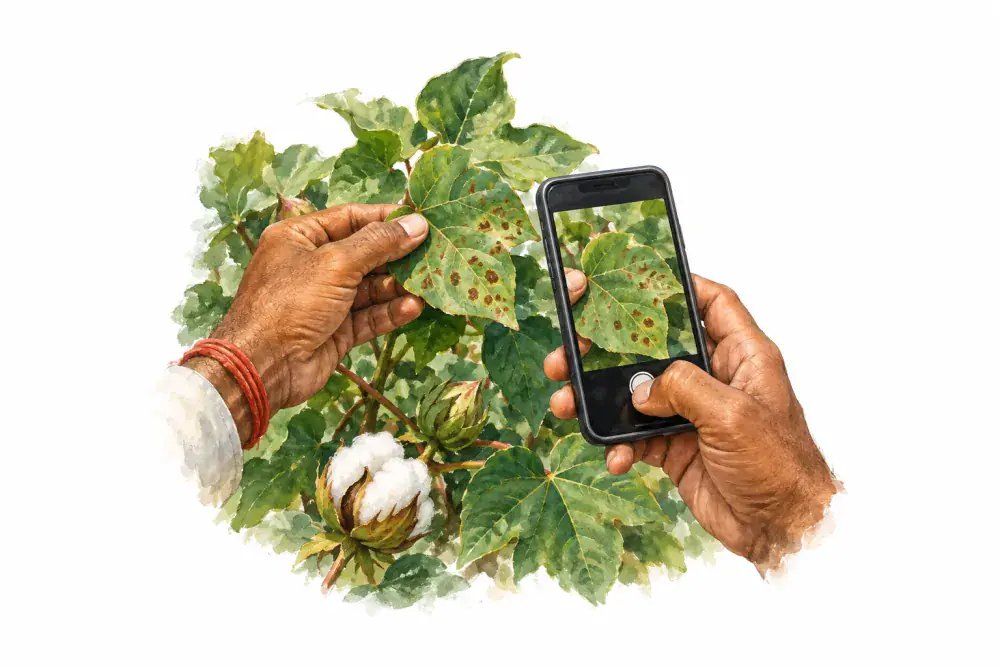
From a crop photo to your next step
Open Crop Health
Sign in to the app and open Crop Health from Home. Select your crop if you know it, or continue without choosing one.
Take or choose one clear photo
Use the camera or choose a photo from your gallery. Keep the affected leaf visible, crop the picture and check it before sending.
Read the result and guidance
Submit the photo with an internet connection. Read the possible problem and suggested next steps. The result may also say the crop looks healthy or that the photo is uncertain.
Help the photo show the problem clearly
- Use daylight and hold the phone steady.
- Keep the affected part in focus and avoid a busy background.
- Review the photo before submitting. Retake it if it is blurred.
A useful starting point, not a confirmed diagnosis
A photo cannot show every cause of crop damage. AI guidance can be wrong or uncertain. If the problem spreads or you are unsure, show the plant and result to a local agriculture expert before choosing treatment.
Check your allowance before you send
Sign-in and internet are required. The app shows your remaining free checks, credit balance and the cost of a check. Additional credits can be purchased in the app. Read the displayed allowance and price before proceeding.
Read how crop photos are usedYour farm. Your language.